An education company wanted to run classes and webinars under its own name, not under a big meeting brand. Teachers needed to start a class fast. Students needed to join from a phone with nothing to install.
What we built
A meetings app that runs in the browser and can be installed like an app:
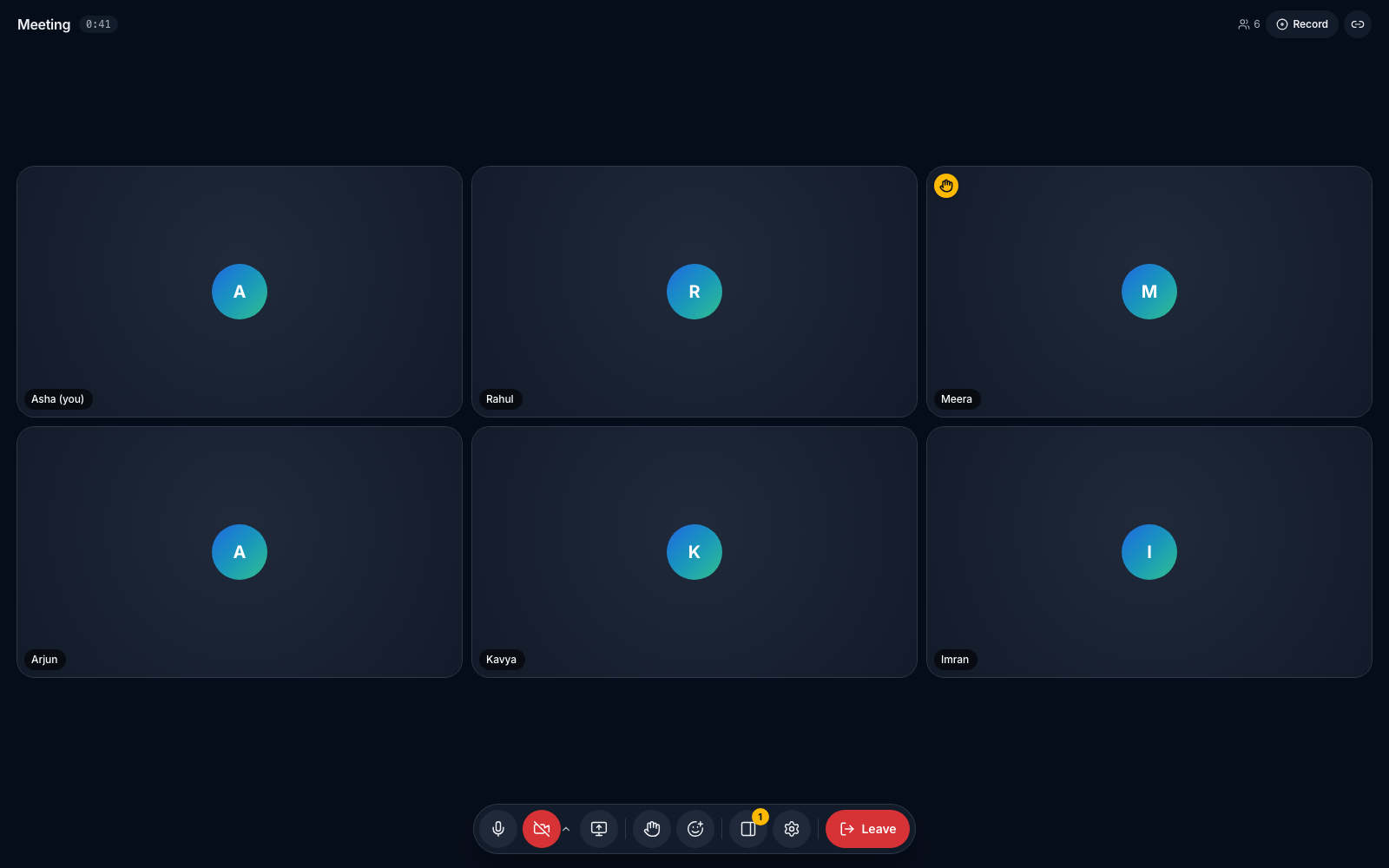
- Calls with a grid of faces, screen sharing, chat, hand raise and reactions.
- Webinar mode for 50+ viewers, with a few people on stage.
- Host controls to manage who speaks, and recording by the host.
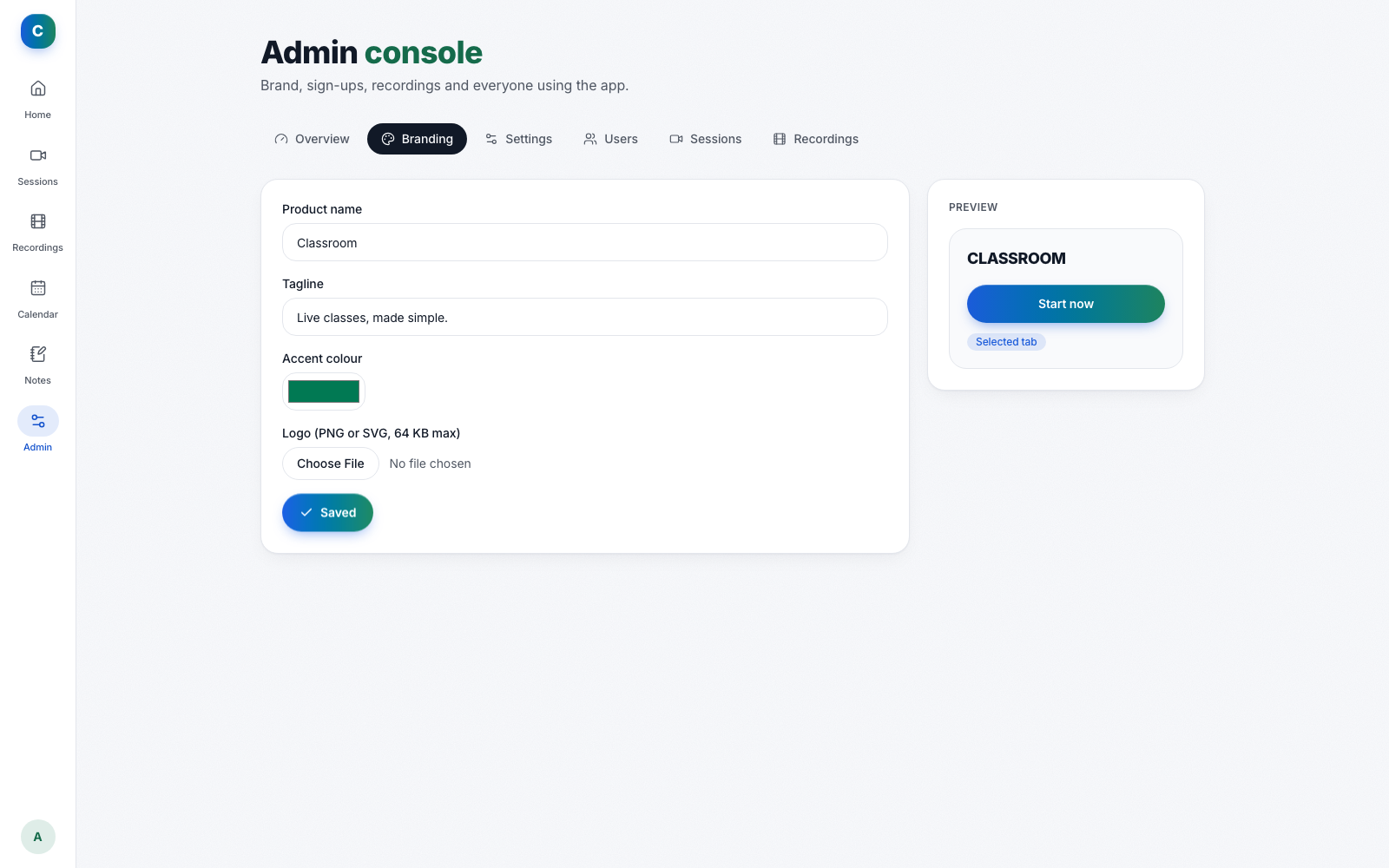
- The client’s brand: the name, logo and colour come from an admin panel, so the client’s brand is everywhere and ours is nowhere.
Fast for the people who use it
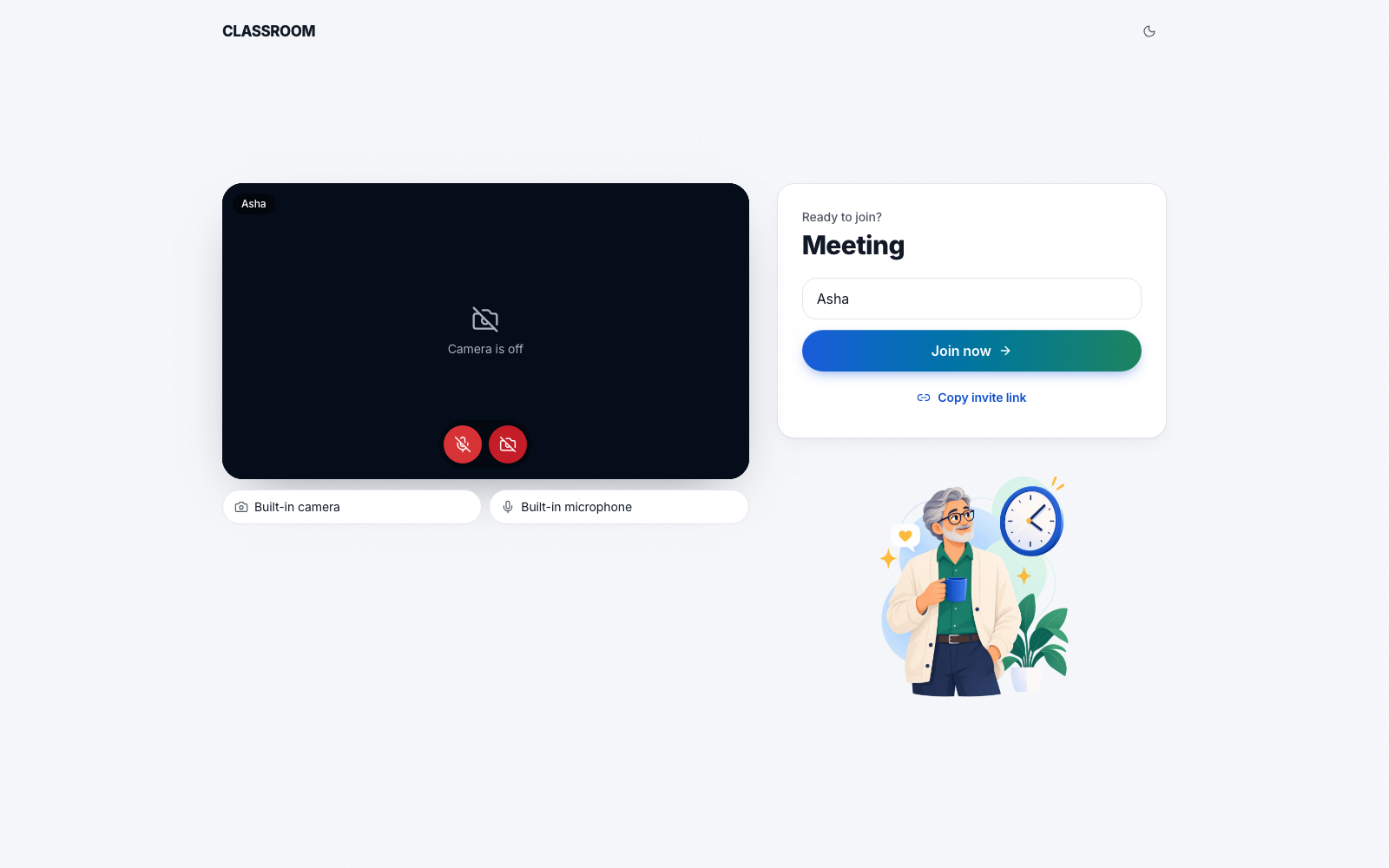
A host starts a call in two clicks. A returning guest joins in one, because the app remembers their name. In a call, the controls sit in one floating bar, and keyboard shortcuts cover the microphone, the camera, the raised hand and the chat.
Built to stay up
Video calls fail in real life: Wi-Fi drops, phones lock, tabs reload. The platform repairs itself. It checks the connection with a heartbeat, reconnects after a drop, resumes after a reload, and repairs a video that stays blank.
Close to every user
The app runs on a global cloud network, close to every user, and the audio and video travel on a network built for live calls. Each room keeps its own list of who is in it, who is on stage and whose hand is raised. There are no servers for the client to look after.